


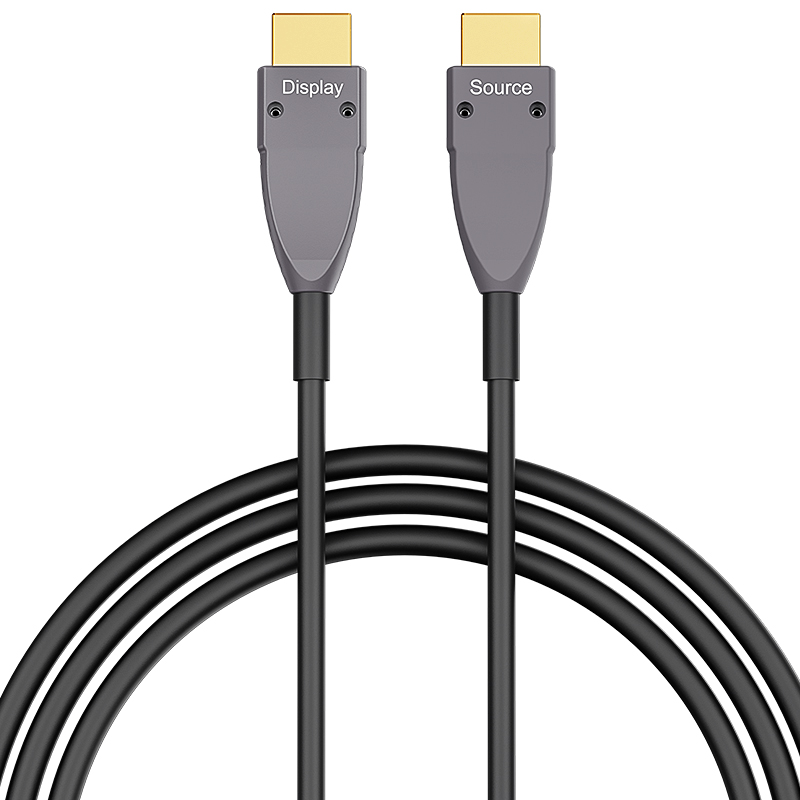
HDMI 4K Type A to Type A 40m (130ft) Active Optical Cable, 4K@60Hz, 18Gbps, Industrial Grade
Description
Designed for direct long-distance links between full-size HDMI equipment, this 40 m HDMI 4K Type A to Type A active optical cable connects standard sources and displays without adapters. Its hybrid optical architecture carries 18Gbps video up to 4K@60Hz while avoiding the attenuation and electromagnetic interference that can affect long passive copper runs. The lightweight cable is well suited to conference rooms, digital signage, control rooms, medical displays and industrial monitoring systems where stable video must travel between conventional HDMI ports. Directional source and display ends simplify deployment, and plug-and-play operation removes the need for separate extenders or external power supplies. Compared with the Micro HDMI Type D versions in the same range, this A-to-A model is purpose-built for PCs, matrix switchers, media players, projectors and professional monitors equipped with standard HDMI connectors.
- Full-size HDMI Type A male connectors at both ends for direct source-to-display installation
- 18Gbps HDMI 4K transmission supporting 4K@60Hz over 40 m (130 ft)
- Hybrid optical signal path provides low attenuation and strong EMI/RFI immunity
- Directional, plug-and-play design requires no external extender or power supply
- Ideal for conference rooms, digital signage, control rooms and industrial display systems
Specifications
Features & Specs
Measurements
Item Details
User Guide
FAQs
It is compatible with most HDMI-enabled devices, such as TVs, monitors, projectors, PCs, laptops, set-top boxes, and gaming consoles.
Longer HDMI cables can suffer from signal loss at higher resolutions. At lengths over ~10–15 meters (~30–50 ft), a better-shielded or active HDMI cable may be needed to reliably support 4K @ 60 Hz.rnrnArmored shielding improves resistance to interference but doesn’t guarantee performance over long runs without quality design.
The HDMI 2.0 A–A cable supports up to 4K@60Hz resolution with 18Gbps bandwidth for smooth and clear video output.
✔ Bend Radius: Don’t sharply bend or kink the cable — optical fibers perform poorly with tight bends.rn✔ Orientation: Ensure correct source/display direction before routing through walls or conduits.rn✔ Connector Fit: Check the micro HDMI connection is fully seated — partial connections often cause signal issues.rn✔ Device Power: Some older devices may not supply enough HDMI power to drive active cables — in rare cases you may need a powered HDMI signal booster.
Often yes, but not guaranteed. Some HDMI splitters or switches may not supply enough power or proper HDCP/EDID handshake to the active optical cable, causing signal loss or reduced resolution. Always test your exact setup before permanent installation.