


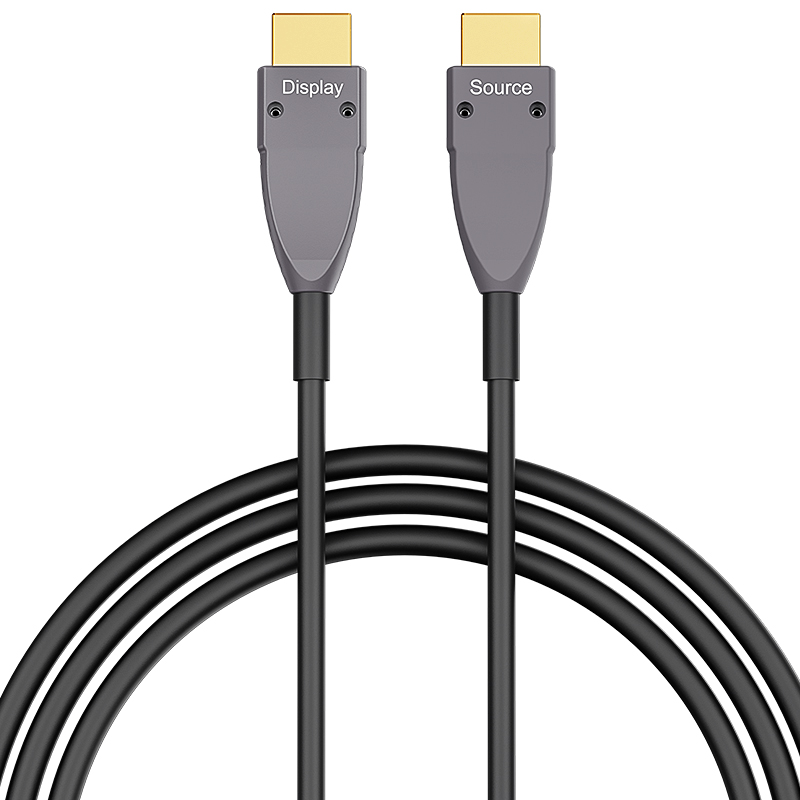
HDMI 4K Type A to Type A 15m (50ft) Active Optical Cable, 4K@60Hz, 18Gbps, Industrial Grade
Description
HDMI 4K A–A cable delivers stable high-speed audio and video transmission up to 18Gbps, supporting 4K@60Hz ultra HD resolution. Designed for reliable connectivity between HDMI-enabled devices, it ensures clear image quality, low latency, and strong signal integrity for professional AV and commercial applications.
- Supports HDMI 4K standard with up to 18Gbps bandwidth
- Supports 4K@60Hz Ultra HD resolution and backward compatibility
- Stable audio & video transmission with low signal loss
- High-quality shielding for anti-interference performance
- Compatible with TVs, monitors, projectors, PCs, and AV systems
- Durable A–A connector design for secure and long-term use
- Plug and play, no driver required
Specifications
Features & Specs
Measurements
Item Details
User Guide
FAQs
It is compatible with most HDMI-enabled devices, such as TVs, monitors, projectors, PCs, laptops, set-top boxes, and gaming consoles.
Longer HDMI cables can suffer from signal loss at higher resolutions. At lengths over ~10–15 meters (~30–50 ft), a better-shielded or active HDMI cable may be needed to reliably support 4K @ 60 Hz.rnrnArmored shielding improves resistance to interference but doesn’t guarantee performance over long runs without quality design.
Yes, it is fully backward compatible with HDMI 1.4 and HDMI 1.3 devices, but performance will depend on the lowest HDMI version in the connection.
✔ Bend Radius: Don’t sharply bend or kink the cable — optical fibers perform poorly with tight bends.rn✔ Orientation: Ensure correct source/display direction before routing through walls or conduits.rn✔ Connector Fit: Check the micro HDMI connection is fully seated — partial connections often cause signal issues.rn✔ Device Power: Some older devices may not supply enough HDMI power to drive active cables — in rare cases you may need a powered HDMI signal booster.
Often yes, but not guaranteed. Some HDMI splitters or switches may not supply enough power or proper HDCP/EDID handshake to the active optical cable, causing signal loss or reduced resolution. Always test your exact setup before permanent installation.