


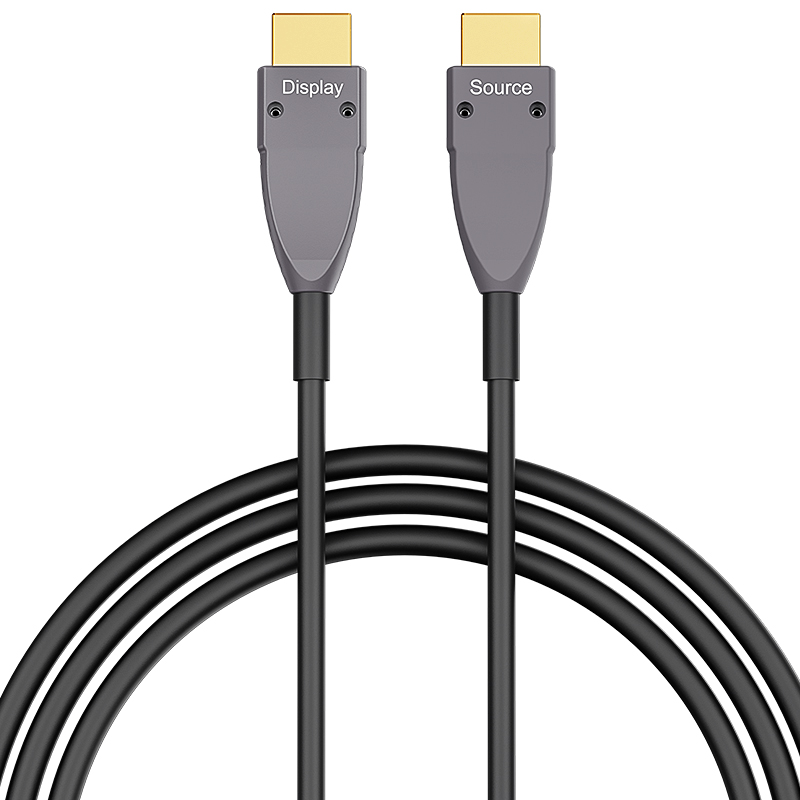
HDMI 4K Type A to Type A 100m (330ft) Active Optical Cable, 4K@60Hz, 18Gbps, Industrial Grade
Description
HDMI 4K A–A cable delivers stable high-speed audio and video transmission up to 18Gbps, supporting 4K@60Hz ultra HD resolution. Designed for reliable connectivity between HDMI-enabled devices, it ensures clear image quality, low latency, and strong signal integrity for professional AV and commercial applications.
- Supports HDMI 4K standard with up to 18Gbps bandwidth
- Supports 4K@60Hz Ultra HD resolution and backward compatibility
- Stable audio & video transmission with low signal loss
- High-quality shielding for anti-interference performance
- Compatible with TVs, monitors, projectors, PCs, and AV systems
- Durable A–A connector design for secure and long-term use
- Plug and play, no driver required
Specifications
Features & Specs
Measurements
Item Details
User Guide
FAQs
It is compatible with most HDMI-enabled devices, such as TVs, monitors, projectors, PCs, laptops, set-top boxes, and gaming consoles.
Longer HDMI cables can suffer from signal loss at higher resolutions. At lengths over ~10–15 meters (~30–50 ft), a better-shielded or active HDMI cable may be needed to reliably support 4K @ 60 Hz.rnrnArmored shielding improves resistance to interference but doesn’t guarantee performance over long runs without quality design.
The HDMI 2.0 A–A cable supports up to 4K@60Hz resolution with 18Gbps bandwidth for smooth and clear video output.
✔ Bend Radius: Don’t sharply bend or kink the cable — optical fibers perform poorly with tight bends.rn✔ Orientation: Ensure correct source/display direction before routing through walls or conduits.rn✔ Connector Fit: Check the micro HDMI connection is fully seated — partial connections often cause signal issues.rn✔ Device Power: Some older devices may not supply enough HDMI power to drive active cables — in rare cases you may need a powered HDMI signal booster.
Often yes, but not guaranteed. Some HDMI splitters or switches may not supply enough power or proper HDCP/EDID handshake to the active optical cable, causing signal loss or reduced resolution. Always test your exact setup before permanent installation.